> ## Documentation Index
> Fetch the complete documentation index at: https://docs.tesouro.com/llms.txt
> Use this file to discover all available pages before exploring further.
# Accounts
> Embed the accounts component to let users browse bank accounts and view transactions, statements, and account details.
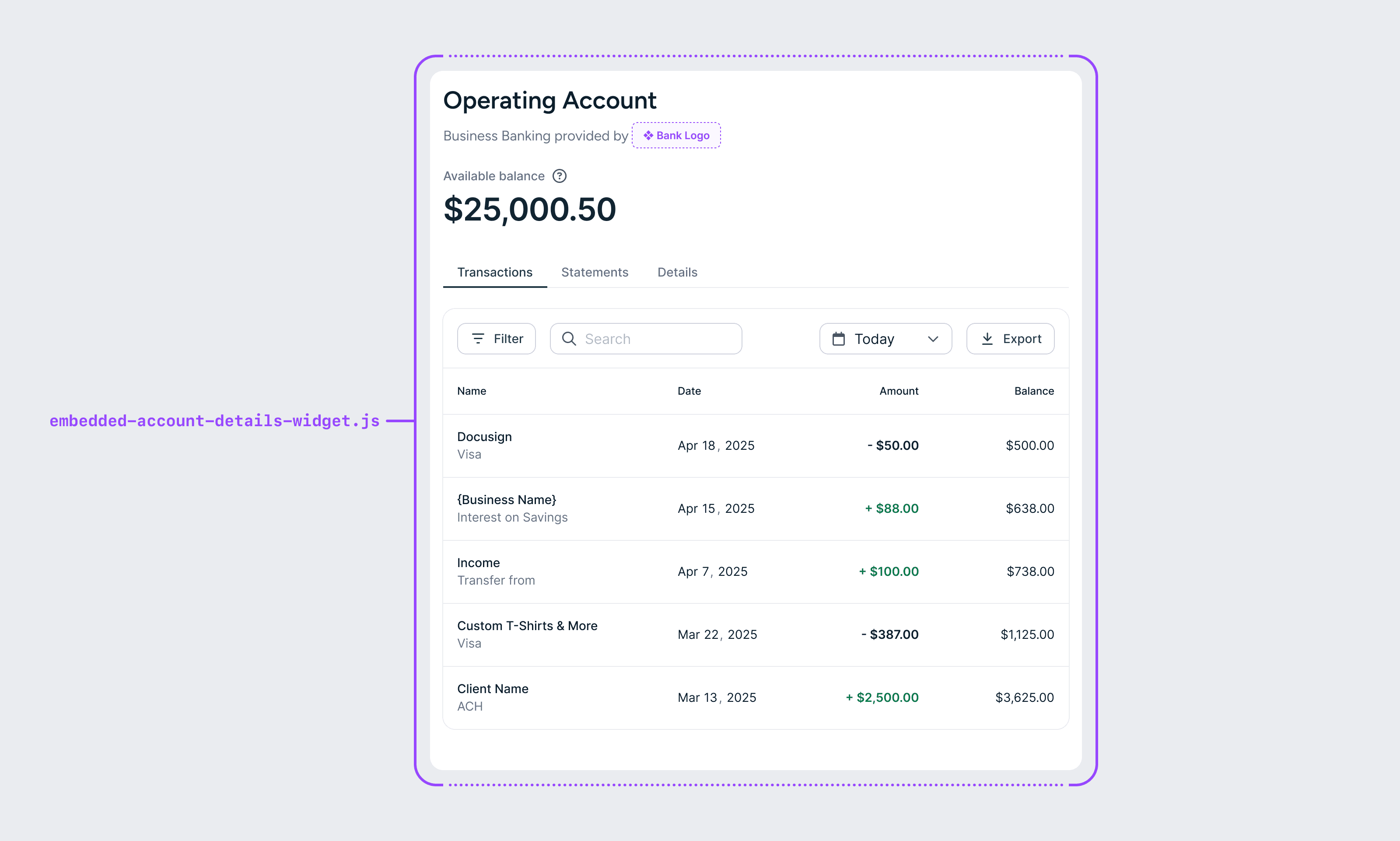 The accounts component lets users browse their embedded bank accounts and dig into a specific account to view recent transactions and download statements as PDFs. Because it displays a significant amount of information, we recommend dedicating a full screen (outside of navigation) to this component.
## React
```tsx lines theme={null}
import { EmbeddedProvider, BankAccountsWidget } from '@tesouro/embedded-components-react';
export default function AccountsPage() {
return (
);
}
```
## Web components
```html lines theme={null}
```
The accounts component lets users browse their embedded bank accounts and dig into a specific account to view recent transactions and download statements as PDFs. Because it displays a significant amount of information, we recommend dedicating a full screen (outside of navigation) to this component.
## React
```tsx lines theme={null}
import { EmbeddedProvider, BankAccountsWidget } from '@tesouro/embedded-components-react';
export default function AccountsPage() {
return (
);
}
```
## Web components
```html lines theme={null}
```