

Overview
Tesouro allows its partners to manage and customize outgoing emails to enhance branding and, thus, deliver a unique experience for all organizations. Tesouro uses templates to standardize email creation, providing partners with a solid foundation for customizations. Email templates contain a set of variables and expressions that get replaced when the actual email is rendered. Tesouro provides a set of predefined email templates for each action. These template types are called system templates.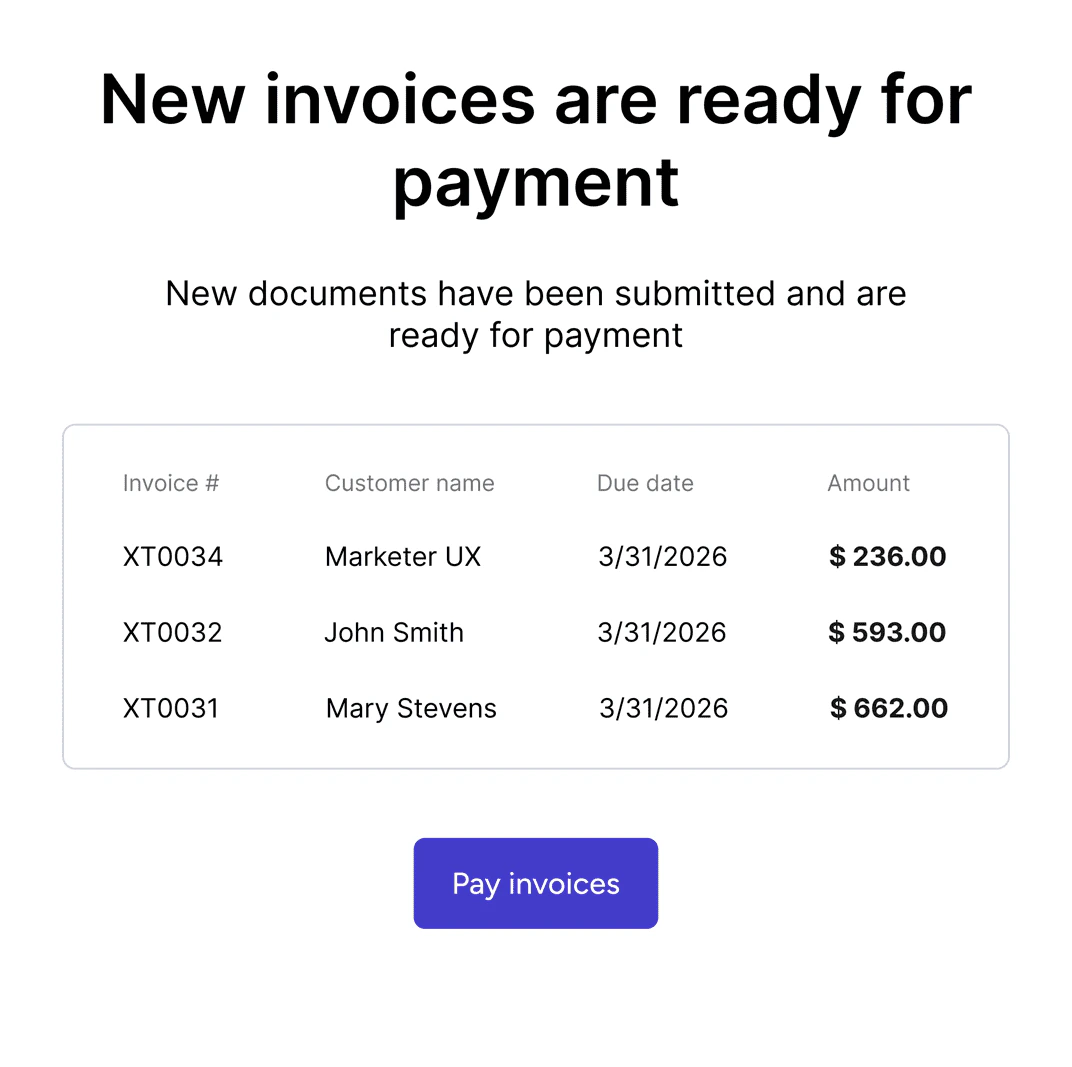
Tesouro's system template sample
Organization logoIf the organization has a logo, outgoing emails from that organization will display the organization logo uploaded. Emails from organizations without a logo will bear the Tesouro logo. For more information, see Update organization logo.
Template localization
Tesouro also supports the localization of email templates. Email template localization defines the language, date format, and usage of delimiters on currencies and other figures on an email template. You can create custom email templates for as many languages or locales as you require by using thelanguage field on the POST /mail-templates endpoint. The language parameter accepts ISO 639-1 standard and defines currency and date formatting for all locales provided.
For every language you provide, Tesouro allows you to select a default template for each template type. For example, you can have default templates for sending invoice emails in English, Spanish, etc.
All email template variables must be provided in English regardless of the template’s language.
For more information, see Variable list.
Custom templates
Custom templates allow Tesouro partners to personalize and customize their email content. Tesouro provides the/mail-templates endpoint to create and manage email templates. You can customize email subjects and bodies using the subject_template and body_template fields in the request body. You can also embed Tesouro text templates within these fields as variables.
Embedded text templatesThe text template used as a variable within a mail template must match the text template’s document type. For example, a text template type of
email_body created for the invoice document type is only compatible with the body_template field of an invoice’s mail template. For more information, see Text templates.Email template syntax
- Tesouro uses the Jinja templating engine for email customizations. Therefore, all email body and subject templates must comply with the Jinja2 template syntax.
- You can only use Tesouro’s predefined variables to create and update custom templates. Using custom logic or conditionals within variables in your email templates will throw an error.